
The short version: the best door sensor for Home Assistant is the one whose radio matches the radio your Home Assistant already runs. If you have a Thread border router (Home Assistant Yellow with the OpenThread Border Router, a second-gen HomePod, or a current Nest Hub), the Aqara Door and Window Sensor P2 is the standout pick: Matter over Thread, a long-lived CR123A cell, and no vendor lock-in. If it runs Z-Wave, buy the Zooz ZSE41 800LR. If your network is Zigbee only, neither of this guide's verified picks will join it; adding a Thread border router is the upgrade path we recommend. Don't buy a sensor on the wrong protocol hoping "Home Assistant supports everything." It does, but only if you've installed the matching radio first.
How this guide was made: MoleMarket did not hands-on test these sensors. Every pick is a research-based recommendation built from manufacturer spec sheets and user manuals (Aqara, Zooz), Home Assistant's official integration documentation, and independent smart-home publications. Every verifiable spec below comes from those published sources. Prices are deliberately omitted because they move constantly; check the live listing before you buy.
The Direct Answer: Which Door Sensor Works With Home Assistant?
- Buy the Aqara Door and Window Sensor P2 if you want the most future-proof option: Matter over Thread, CR123A battery, and it works with Home Assistant, Apple Home, Google Home, Alexa, and SmartThings with no vendor hub required.
- Buy the Zooz ZSE41 800LR if your Home Assistant runs Z-Wave: an 800-series chip, S2 security, SmartStart pairing, and a genuinely tiny footprint.
Detailed Reviews: The Best Door Sensors for Home Assistant
Aqara Door and Window Sensor P2: Best Overall for Home Assistant
The P2 is the pick we'd give to most Home Assistant users, because it bets on the protocol with the longest runway: Matter over Thread. It communicates over Thread (with Bluetooth LE used only for the initial commissioning), which means it joins any Matter-compatible platform, Home Assistant included, without an Aqara hub or any vendor cloud. If you later migrate away from Home Assistant, the same sensor follows you to Apple Home, Google Home, Alexa, or SmartThings. That's genuine future-proofing, not marketing language.
The hardware is straightforward: a Hall (magnetic) sensor in a 77 × 22 × 22 mm main unit, a small magnet puck, a CR123A battery, and adhesive mounting. Aqara's dealer spec table lists a 22 mm maximum sensor gap, a −10 °C to 50 °C operating range, and indoor use. What you must have is the infrastructure: a Matter controller and a Thread border router. On Home Assistant, that means the Matter integration plus a Thread border router. Home Assistant Yellow running the OpenThread Border Router is the documented path, or a USB Thread radio such as the Home Assistant Connect ZBT-2. An Aqara dealer's compatibility table explicitly lists Home Assistant Yellow as a 2-in-1 Matter controller and Thread border router option.
One honest caveat: over Matter, you get the standard contact-sensor cluster: open/closed. The extra tricks (adjustable sensitivity, tamper alarm, the programmable button) live in the Aqara Home app and need a Thread-capable Aqara hub such as the Hub M3. And note carefully: the P2 is not Zigbee. If you see "Aqara door sensor" reviews praising Zigbee pairing, that's the older model; the P2 speaks Thread.
Strengths: Matter over Thread with no vendor lock-in; CR123A battery; works across every major platform; compact adhesive mount suits renters.
Limitations: needs a Matter controller + Thread border router (real infrastructure cost); advanced features need an Aqara Thread hub; not the cheapest per unit.
Best for: Home Assistant users with (or planning) a Thread network, and anyone who wants one sensor that survives a future platform switch. Avoid if: you have no Thread border router and no plans to add one; buy the Z-Wave pick that matches your existing network instead.
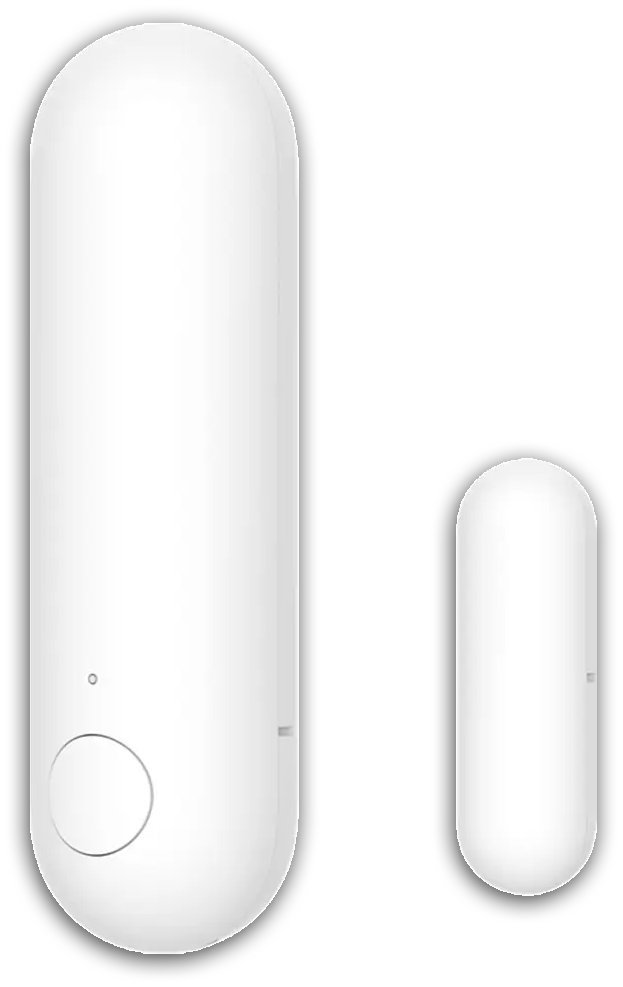
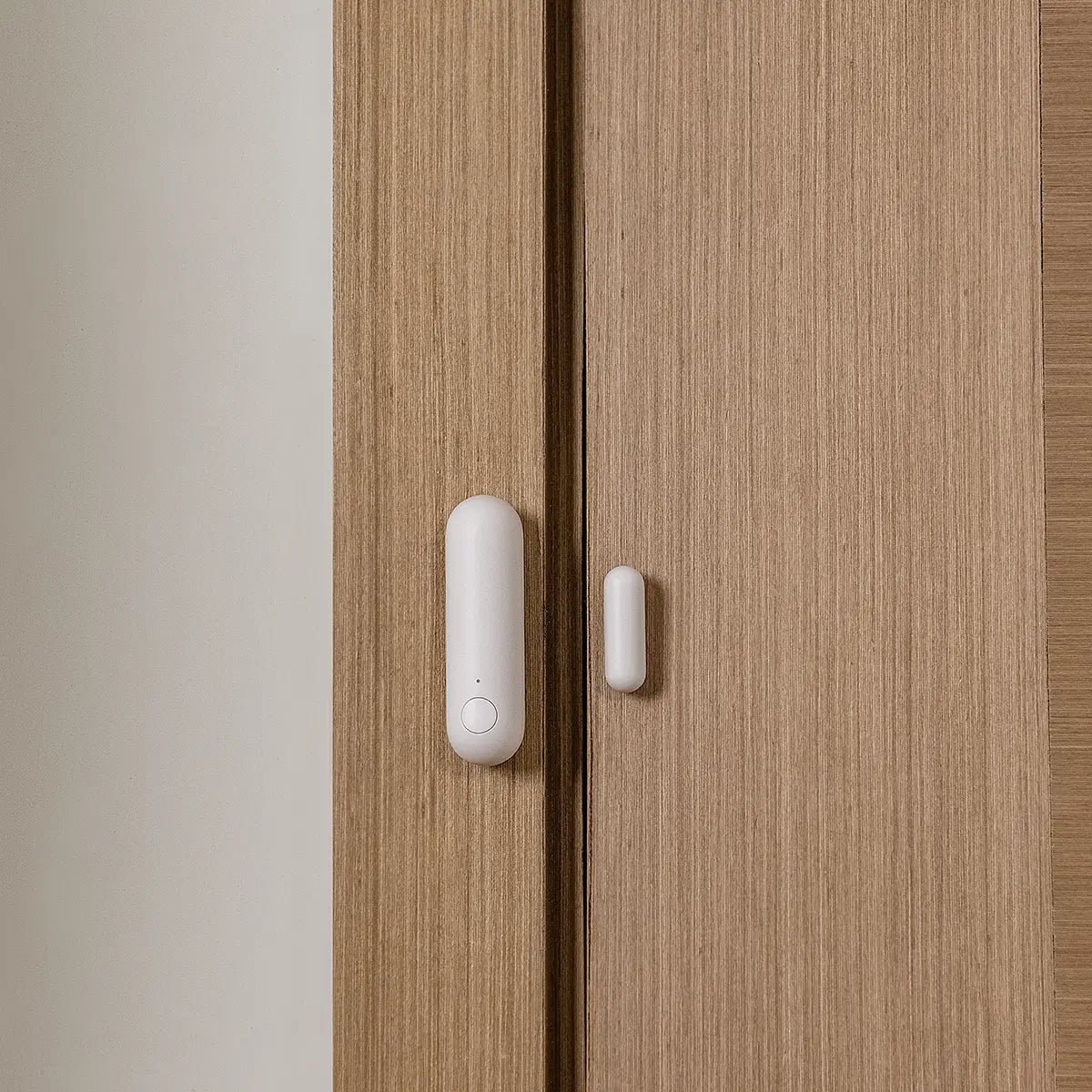
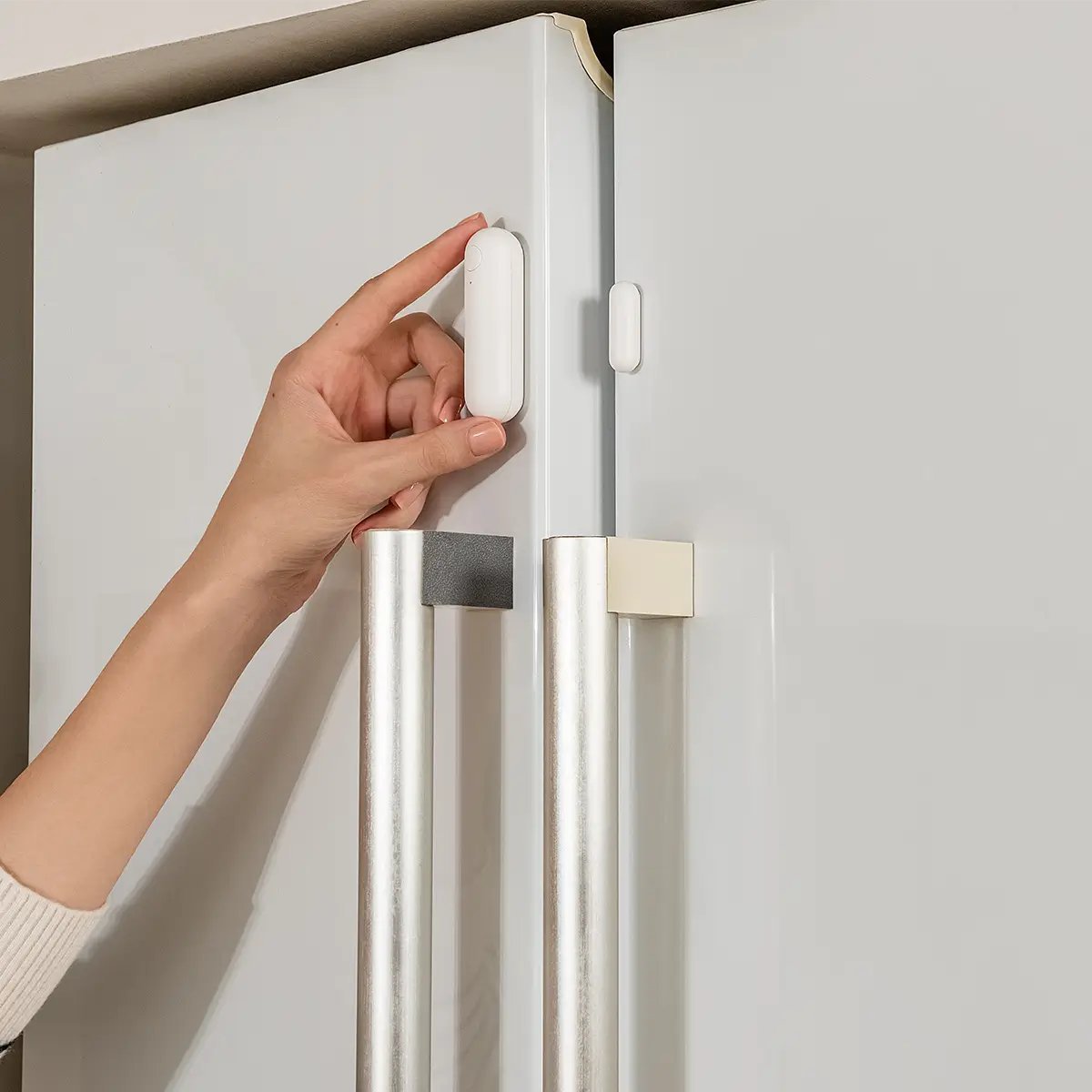
Aqara Door and Window Sensor P2 (Matter over Thread)
The pick for most Home Assistant users: native Matter over Thread, so it joins any Matter platform, Home Assistant included, without an Aqara hub or vendor cloud, and follows you if you ever switch platforms.
- Matter over Thread: no vendor lock-in, no Aqara hub needed
- Works with Home Assistant, Apple Home, Google Home, Alexa, SmartThings
- CR123A battery, compact 77 x 22 x 22 mm adhesive-mount body
Important limitation: Needs a Matter controller + Thread border router (real infrastructure cost); advanced features (sensitivity, tamper alarm) need an Aqara Thread hub. It is also not the cheapest per unit.
- Protocol: Matter over Thread (+BLE commissioning)
- Battery: CR123A
- Size: 77 x 22 x 22 mm
Best for: Home Assistant users with (or planning) a Thread network, and anyone wanting one sensor that survives a platform switch
Zooz ZSE41 800LR: Best Z-Wave Pick
For Z-Wave households, the Zooz ZSE41 800LR is the sensor the Home Assistant community keeps recommending, and the spec sheet explains why. It's built on the 800-series Z-Wave chip, the current generation, with S2 security and SmartStart (scan the QR code and the sensor joins the network automatically). The manual lists up to 300 feet of range in open space, and up to 1,300 feet using Z-Wave Long Range (which needs an LR-capable controller). The magnet gap spec is honest and specific: 0.25 inches recommended, reliable up to 0.75.
It's also genuinely small (1.9 × 1 × 0.3 inches for the sensor body), so it disappears on a white door frame, and a single CR2032 powers it. For Home Assistant, it pairs through the Z-Wave JS integration; note that neither Home Assistant Green nor Yellow has a built-in Z-Wave radio, so you'll need a Z-Wave USB controller. An optional waterproof case (sold separately) extends it to outdoor gates and sheds. Zooz backs it with a 5-year extended warranty once registered, plus lifetime tech support, unusually generous in this category.
Watch the edges: the manual is explicit that it won't work with Wink or with alarm-panel Z-Wave systems (ADT, Vivint, Alarm.com, Qolsys). And Z-Wave sensors cost more per unit than Zigbee equivalents; the protocol's reliability and range come at a premium.
Strengths: 800-series chip, S2 + SmartStart, long-range option, tiny footprint, strong warranty.
Limitations: needs a Z-Wave USB controller with HA; pricier than Zigbee; no alarm-panel compatibility.
Best for: Z-Wave mesh households, larger homes where range matters, and outdoor gates (with the waterproof case). Avoid if: you're starting from scratch and cost per door is the deciding factor; Zigbee is cheaper.

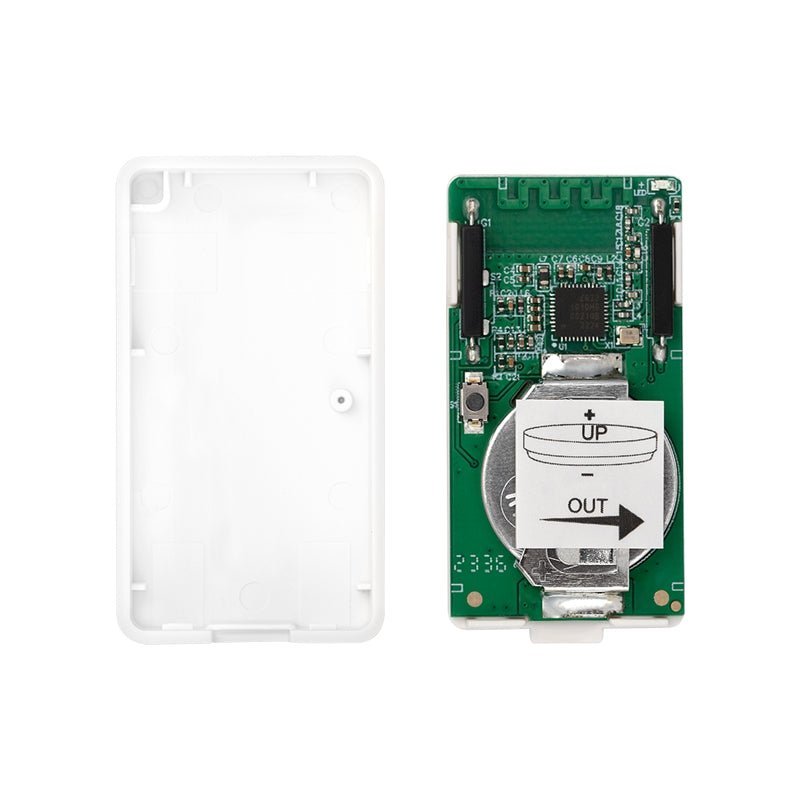
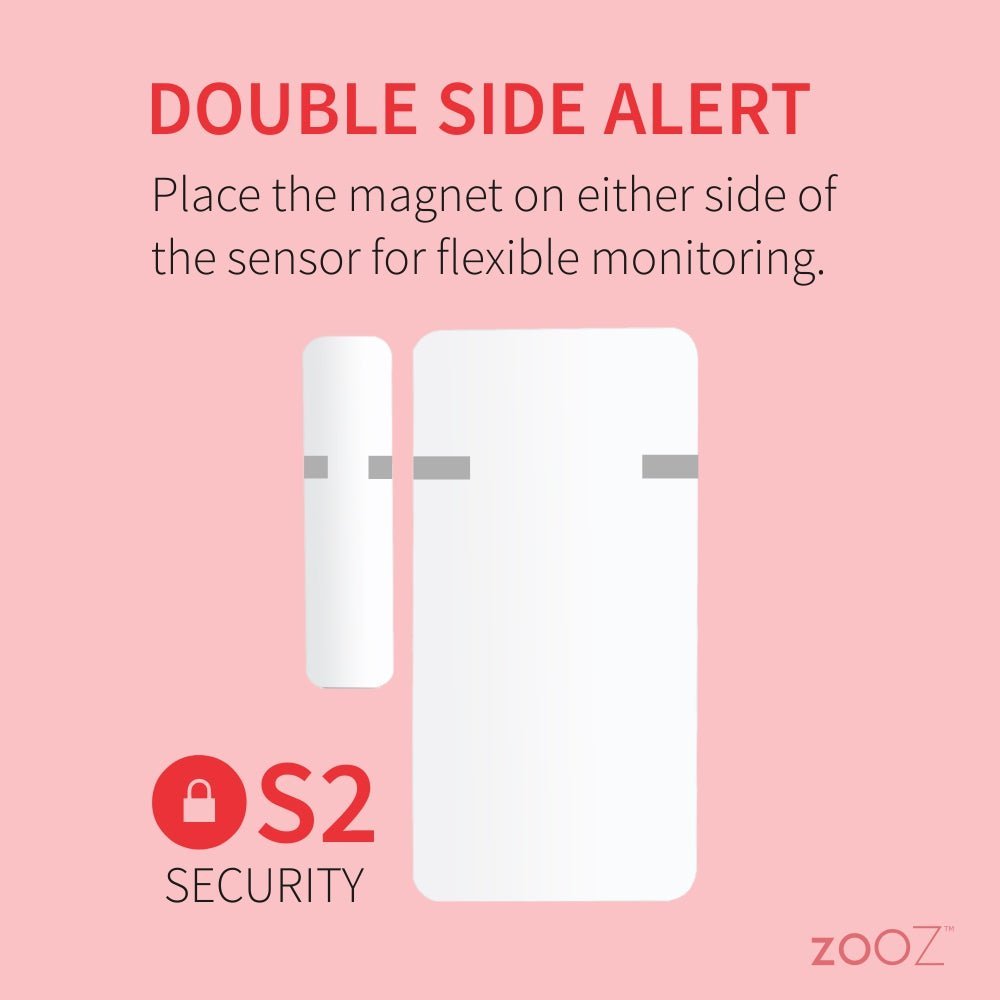
Zooz ZSE41 800LR Open|Close XS Sensor
The Z-Wave pick the Home Assistant community keeps recommending: 800-series chip with S2 security and SmartStart, up to 1,300 ft with Z-Wave Long Range, in a genuinely tiny 1.9 x 1 x 0.3-inch body.
- 800-series Z-Wave chip, S2 security + SmartStart
- Z-Wave Long Range option (up to 1,300 ft open space)
- Tiny footprint; 5-year extended warranty once registered
Important limitation: Needs a Z-Wave USB controller with Home Assistant; pricier per unit than Zigbee; no alarm-panel compatibility.
- Protocol: Z-Wave 800 series
- Battery: 1 x CR2032
- Size: 1.9" x 1" x 0.3"
Best for: Z-Wave mesh households, larger homes where range matters, and outdoor gates (with the waterproof case)
Buying Guide: How to Choose a Door Sensor for Home Assistant
Step 1: Match the protocol to the radio you already run
This is the decision that matters more than any brand. Home Assistant speaks three sensor protocols, each needing its own radio hardware:
- Zigbee: via the ZHA integration (built in) or Zigbee2MQTT. Home Assistant Yellow has a built-in Zigbee radio; Home Assistant Green has no built-in Zigbee radio and needs a USB adapter such as the Home Assistant Connect ZBT-2. A healthy Zigbee mesh wants mains-powered router devices (smart plugs, wired switches) to relay for battery sensors.
- Z-Wave: via the Z-Wave JS integration. Neither Green nor Yellow has a built-in Z-Wave radio, so you need a Z-Wave USB controller. Z-Wave's lower frequency penetrates walls better and avoids Wi-Fi interference, at a higher per-device cost.
- Matter over Thread: via the Matter integration plus a Thread border router. Home Assistant Yellow can run the OpenThread Border Router; the Connect ZBT-2 can serve as a Thread radio (note: one ZBT-2 runs Zigbee or Thread at a time, not both simultaneously).
If you already have one of these networks running, buy sensors for that protocol. Building a second radio network for one sensor is false economy.
Step 2: Count your doors, then count your batteries
Six sensors with AAA batteries are a five-minute annual chore. Six sensors with uncommon cells are an online order and a calendar reminder. For whole-house coverage, standardize on one battery type where you can: CR123A (Aqara P2) and CR2032 (Zooz) are easy to source.
Step 3: Decide how much "smart" you need
A plain contact sensor reports open/closed, which is enough for automations, alerts, and security scenes. Pay more only for features you'll use: a second sensor type for garage doors, tamper alerts (Aqara via its own hub) for security-conscious installs, and multi-platform Matter support (Aqara P2) if your household spans ecosystems.
Step 4: Check the mounting surface
Reed sensors need the magnet close and aligned: 22 mm max for the Aqara P2, 0.25 in (up to 0.75) for the Zooz. Metal doors and frames detune radios, and manufacturer manuals explicitly warn against iron doors. Measure the gap and the frame material before you buy, not after.
Step 5: Plan for the coordinator, not just the sensor
Every pick here needs a hub-side radio: a Zigbee coordinator, a Z-Wave USB stick, or a Thread border router plus Matter controller. Budget for it if you don't have one; the sensor is the cheap part of a first deployment.
Door Sensor Types at a Glance
- Zigbee contact sensors: cheapest per unit, huge device ecosystem, mesh networking through mains-powered routers. Best when you already run ZHA or Zigbee2MQTT. No Zigbee model is recommended in this guide: the Zigbee sensors we researched could not be verified to our listing standard.
- Z-Wave contact sensors (Zooz): better wall penetration, no Wi-Fi interference, stricter certification, higher cost. Best for larger homes and reliability-first installs.
- Matter-over-Thread contact sensors (Aqara P2): cross-platform by design, local and private, newest ecosystem. Best for future-proofing and multi-ecosystem households.
- Wi-Fi contact sensors: excluded from our picks: Wi-Fi radios drain coin cells fast and usually tie you to a vendor cloud. Fine for a plugged-in sensor; poor for a battery door sensor.
Head-to-Head: The Comparisons That Actually Decide Purchases
Zigbee vs Z-Wave vs Matter-over-Thread for door sensors
Zigbee wins on price and ecosystem breadth: sensors are cheap, coordinators are cheap, and Zigbee2MQTT supports an enormous device list. It shares the 2.4 GHz band with Wi-Fi, so channel planning matters in dense apartments, and the mesh depends on having enough mains-powered routers.
Z-Wave wins on reliability per device: sub-GHz frequencies dodge Wi-Fi entirely, certification is stricter, and range per hop is longer (the Zooz manual claims 300 ft open-air, 1,300 ft with Long Range). You pay more per sensor and you must buy a USB controller for Home Assistant.
Matter over Thread wins on longevity and portability: buy once, use on any platform, keep everything local. The ecosystem is youngest, with fewer device choices, and you need Thread border-router infrastructure that many households don't have yet.
Our rule of thumb: run what you already run. Starting fresh in 2026 with no existing network? Matter over Thread (Aqara P2) is the most defensible long-term bet; Zigbee remains the cheapest way to cover a whole house today, though you will need to shop beyond this guide for a verified Zigbee pick.
Home Assistant Green vs Yellow for sensor networks
The hardware you run Home Assistant on decides what you must buy next. Yellow ships with a built-in Zigbee radio and can run the OpenThread Border Router; add a Z-Wave USB stick and it covers all three protocols. Green has no built-in radio at all: Zigbee and Thread each need a USB adapter (or one adapter per protocol), and Z-Wave needs its own USB stick. Neither has built-in Z-Wave. If you're buying HA hardware specifically to run door sensors, Yellow needs fewer dongles.
Bad Advice to Ignore: A Reality Check
- "The Aqara P2 works with Aqara hubs." Not quite. The P2 is Matter over Thread, and older Aqara hubs have no Thread radio. It needs a Matter controller plus a Thread border router (a Thread-capable Aqara Hub M3/M100, Home Assistant Yellow with OpenThread, a HomePod mini, a Nest Hub, etc.). Buying a P2 alongside an old Aqara Zigbee hub is a classic mismatch.
- "Any Zigbee sensor works perfectly with Home Assistant." Almost, but check the device against the Zigbee2MQTT or community device databases before buying obscure brands. Aqara's older Zigbee sensors are famously fussy about which Zigbee routers they'll stay connected through; standards-compliant Zigbee 3.0 devices (standards-compliant Zigbee 3.0 devices from established brands) are the safe ground.
- "Z-Wave and Zigbee sensors are interchangeable." They are not. Different radios, different Home Assistant integrations (ZHA vs Z-Wave JS), different USB hardware, and Z-Wave devices won't join a Zigbee network or vice versa. Pick the protocol your network already speaks.
- "Just get Wi-Fi door sensors, no hub needed." For a battery-powered contact sensor, Wi-Fi is the wrong tool: the radio burns through coin cells and most Wi-Fi sensors route through a vendor cloud. Mesh protocols (Zigbee, Z-Wave, Thread) exist precisely because they're miserly with battery and work locally.
- "Battery life claims are comparable across listings." They aren't. A "2-year" or "5-year" figure is a vendor estimate under gentle lab conditions, and a busy front door that opens fifty times a day will not see it. Standardize on an easy battery type (AAA, CR123A) so reality is cheap to deal with.
Common Buying Mistakes
- Buying the sensor before the radio. A Zigbee sensor with no Zigbee coordinator is a paperweight. Confirm your Home Assistant has the matching radio (built-in like Yellow's Zigbee, a USB adapter, or a border router) before ordering sensors.
- Mixing protocols to save a few dollars. One Zigbee sensor in a Z-Wave house means a second network to maintain, a second coordinator to buy, and a second mesh that never gets dense enough to be reliable.
- Mounting on metal. Steel doors and metal frames detune these radios. Check the manual's warning (several are explicit) and mount on the wooden frame when in doubt.
- Ignoring the magnet gap. Every sensor has a maximum magnet distance: 22 mm, 0.25 in. Deep-set frames and thick weatherstripping defeat sensors that can't span the gap; measure first.
- Assuming "works with Home Assistant" means direct pairing. It means "works with Home Assistant once the right integration and radio are in place." Z-Wave JS needs a USB stick; Matter needs a server plus a border router. Read the integration docs, not just the box.
- Outdoor-mounting an indoor sensor. Every pick here is indoor-rated except the Zooz (with its separate waterproof case). A garage side door exposed to rain needs the case or a different product.
- Chasing the cheapest per-unit price for a security job. A sensor guarding a door you actually worry about deserves S2 security and a brand that ships firmware updates (Zooz). Save the budget picks for interior doors and windows.
Frequently Asked Questions
The Aqara Door and Window Sensor P2 is our top pick for most Home Assistant users: Matter over Thread, a CR123A battery, and compatibility across Home Assistant, Apple Home, Google Home, Alexa, and SmartThings with no vendor hub. If your Home Assistant already runs Z-Wave, the Zooz ZSE41 800LR is the match.
You need the matching radio hardware. Zigbee sensors need a Zigbee coordinator (Home Assistant Yellow has one built in; Green needs a USB adapter). Z-Wave sensors need a Z-Wave USB controller with the Z-Wave JS integration. Matter-over-Thread sensors need the Matter integration plus a Thread border router. The sensor never talks to Home Assistant directly; it talks to the radio.
Zigbee sensors are the cheapest and have the biggest ecosystem but share the 2.4 GHz band with Wi-Fi. Z-Wave sensors use sub-GHz frequencies with better wall penetration and stricter certification, at higher cost. Matter-over-Thread sensors work across platforms with no vendor lock-in but need Thread border-router infrastructure. All three work with Home Assistant through their respective integrations.
Yes, but check which Aqara sensor. The Aqara Door and Window Sensor P2 uses Matter over Thread and pairs with Home Assistant through the Matter integration and a Thread border router. The older Aqara Zigbee sensor pairs through ZHA or Zigbee2MQTT but is known to be picky about which Zigbee routers it stays connected through. Don't confuse the two.
It depends on the battery and the door. Vendor claims range from about a year to several years, but a busy entry door shortens every estimate. The practical advice: standardize on easy-to-replace cells like the CR123A (Aqara P2) or CR2032 (Zooz), so a dead battery is a two-minute fix.
Yes, for local automations. Zigbee, Z-Wave, and Thread are all local mesh protocols: a "door opens → hallway light on" automation runs entirely inside your home through Home Assistant. Phone notifications while you're away still need internet, but the sensing and automation don't.
Final Verdict
For most Home Assistant users, the Aqara Door and Window Sensor P2 is the right buy: Matter over Thread makes it the only sensor here that isn't a bet on a single ecosystem, and its hardware is solid. But "most" isn't "all": the honest rule is simpler than any ranking: buy the sensor that speaks the protocol your Home Assistant already speaks. Z-Wave household? Zooz ZSE41. Zigbee-only household? Neither verified pick here joins a Zigbee network, so treat a Thread border router as the first purchase. Get the protocol right and either of these two will serve you for years; get it wrong and the best sensor in the world is a very small paperweight.
Check current prices and availability on the live listings before you buy, because we deliberately don't quote prices that go stale overnight.
Quick Picks
Short on time? These are our top recommendations: each button takes you to the exact product on Amazon.
| Product | Key Specs | Best Use Case | Standout Feature | Amazon Link |
|---|---|---|---|---|
| Aqara Door and Window Sensor P2 (Matter over Thread) Best Overall for Home Assistant |
Matter over Thread · CR123A · 77x22x22mm | Future-proof whole-home sensing | No vendor lock-in: works across every major platform | Check Price |
| Zooz ZSE41 800LR Open|Close XS Sensor Best Z-Wave Pick |
Z-Wave 800 · CR2032 · 1.9x1x0.3 in | Z-Wave households, long range | S2 + SmartStart, Z-Wave LR, 5-year warranty | Check Price |
Final Recommendations
Best Overall for Home Assistant: Aqara Door and Window Sensor P2 (Matter over Thread): Matter over Thread makes it the only sensor here that isn't a bet on a single ecosystem
Best Z-Wave Pick: Zooz ZSE41 800LR Open|Close XS Sensor: the sensor the Home Assistant community keeps recommending, with 800-series Z-Wave in a tiny body