
Hero: The box screams 35,000 DPI. The marketing brags about 8,000 Hz polling. Almost none of that decides whether you will actually aim better. After cross-checking manufacturer specifications against independent reviews, the pattern is clear: the best gaming mouse is the one whose shape fits your hand, whose weight suits your games, and whose sensor tracks cleanly. Everything else is a tiebreaker. This guide compares three research-backed picks for 2026: a safe all-round flagship, a competitive FPS reference, and a budget wireless legend. No invented test results, no benchmark scores we did not measure, just sourced facts and the buying logic that actually matters.
Quick Picks
Short on time? These are our top recommendations, each button takes you to the exact product on Amazon.
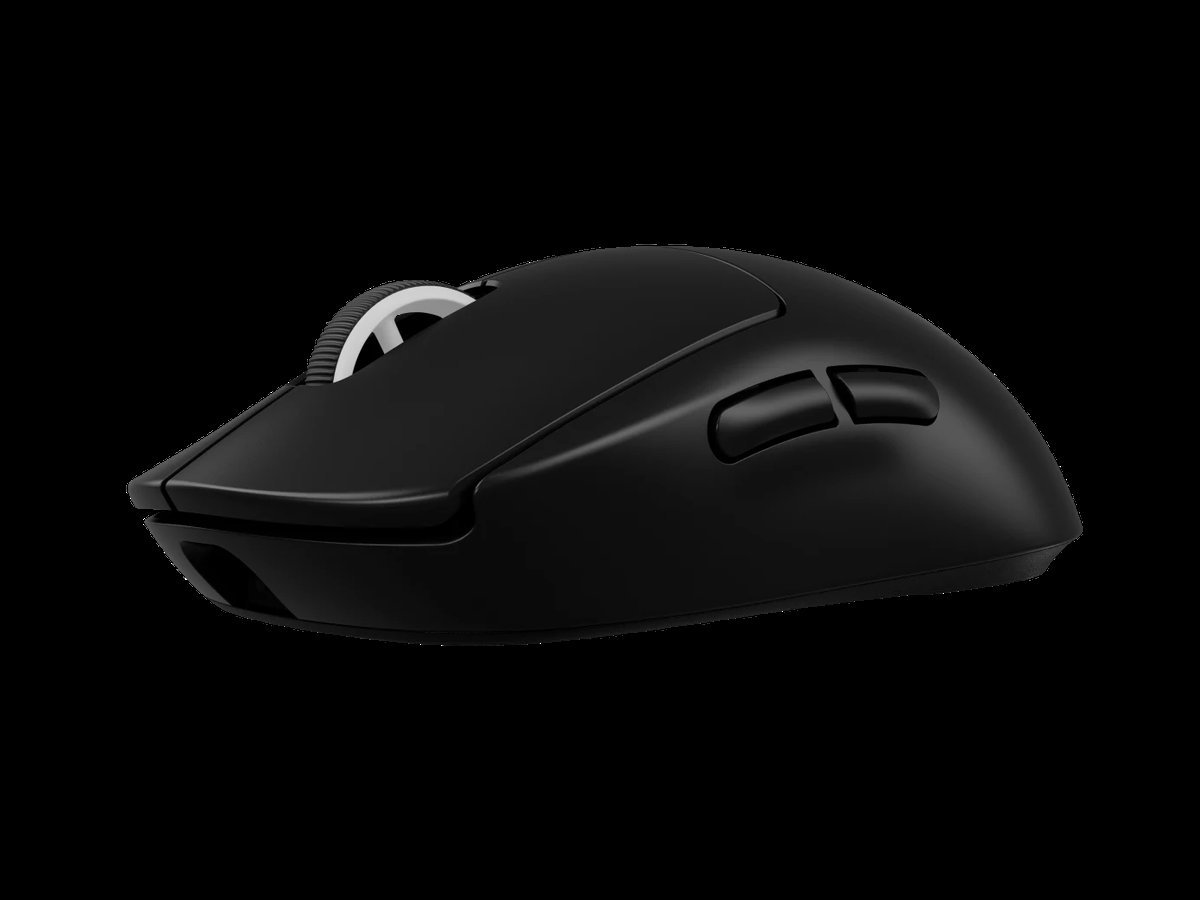

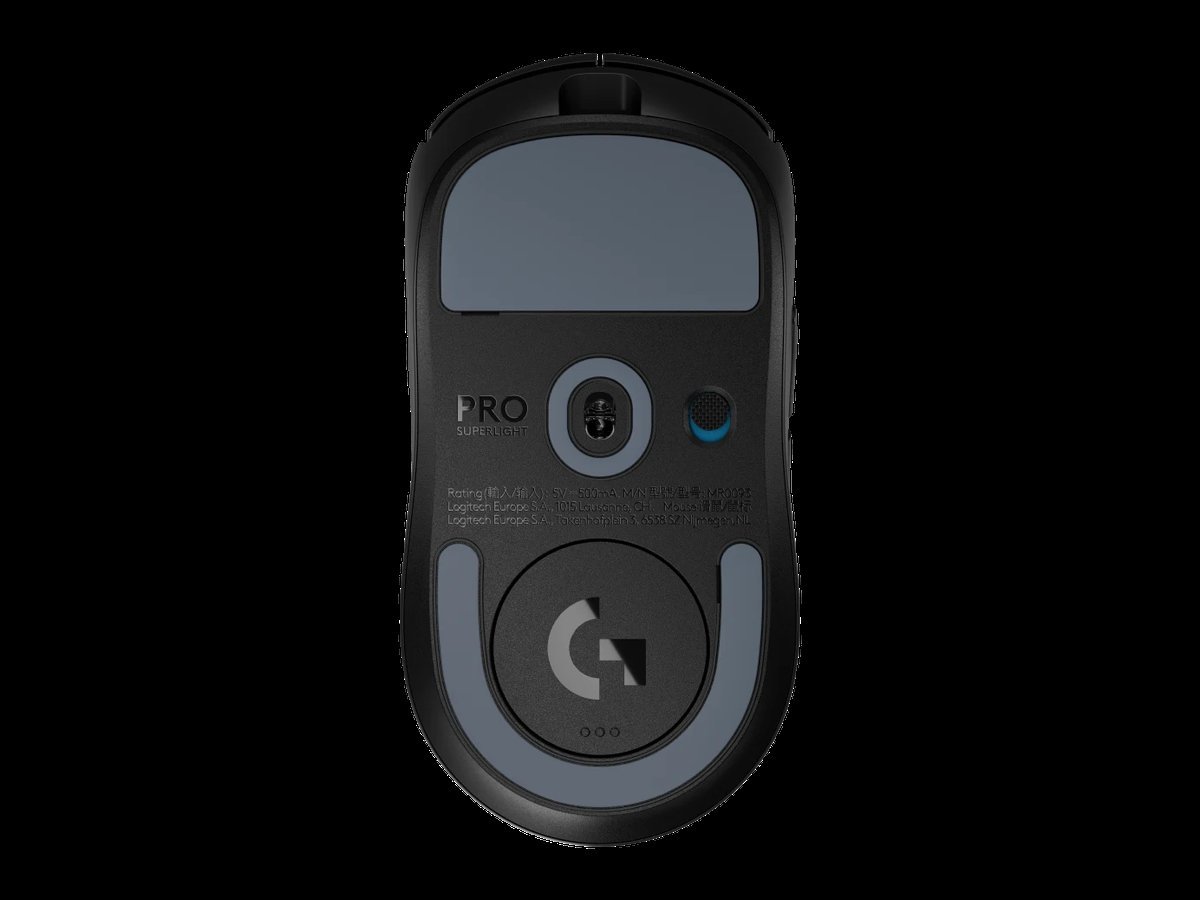
Logitech G Pro X Superlight 2
The default recommendation for a reason: a safe ambidextrous shape that suits most grips, a genuinely light 60-gram body, and the HERO 2 sensor with zero smoothing, acceleration or filtering, with 95-hour battery and USB-C charging. Its shape and reliability have survived the harshest selection pressure in gaming.
- Safe ambidextrous shape that suits most grips and has survived esports selection pressure
- Genuinely light 60-gram body with the HERO 2 sensor and zero smoothing, acceleration or filtering
- 95-hour battery with USB-C charging, plus POWERPLAY compatibility for cable-free charging
- LIGHTSPEED plus Bluetooth, so it works across machines, not just the gaming PC
- 8 kHz polling needs a separate receiver purchase; the box ships at 2,000 Hz
- Ambidextrous shape is not ideal for dedicated palm-grip players with large hands
- At 60 g it is light, but not the lightest here: the Viper V3 Pro is 54 g
- Weight: 60 g
- Sensor: HERO 2, up to 44,000 DPI
- Tracking: 500+ IPS, zero smoothing/acceleration/filtering
- Switches: LIGHTFORCE hybrid optical-mechanical
- Wireless: LIGHTSPEED + Bluetooth
- Polling: 2,000 Hz (8 kHz via separate PRO LIGHTSPEED receiver)
- Battery: Up to 95 h
- Charging: USB-C; POWERPLAY compatible
Best for: The player who wants one mouse for ranked FPS, single-player games and daily desktop use.

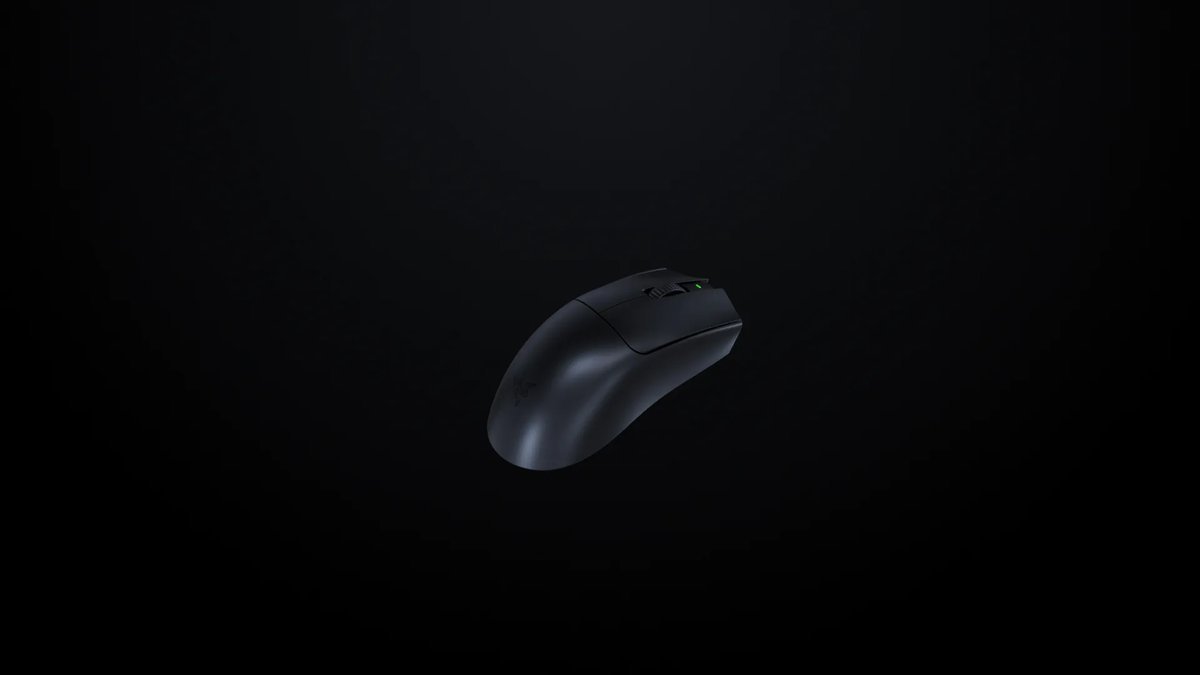
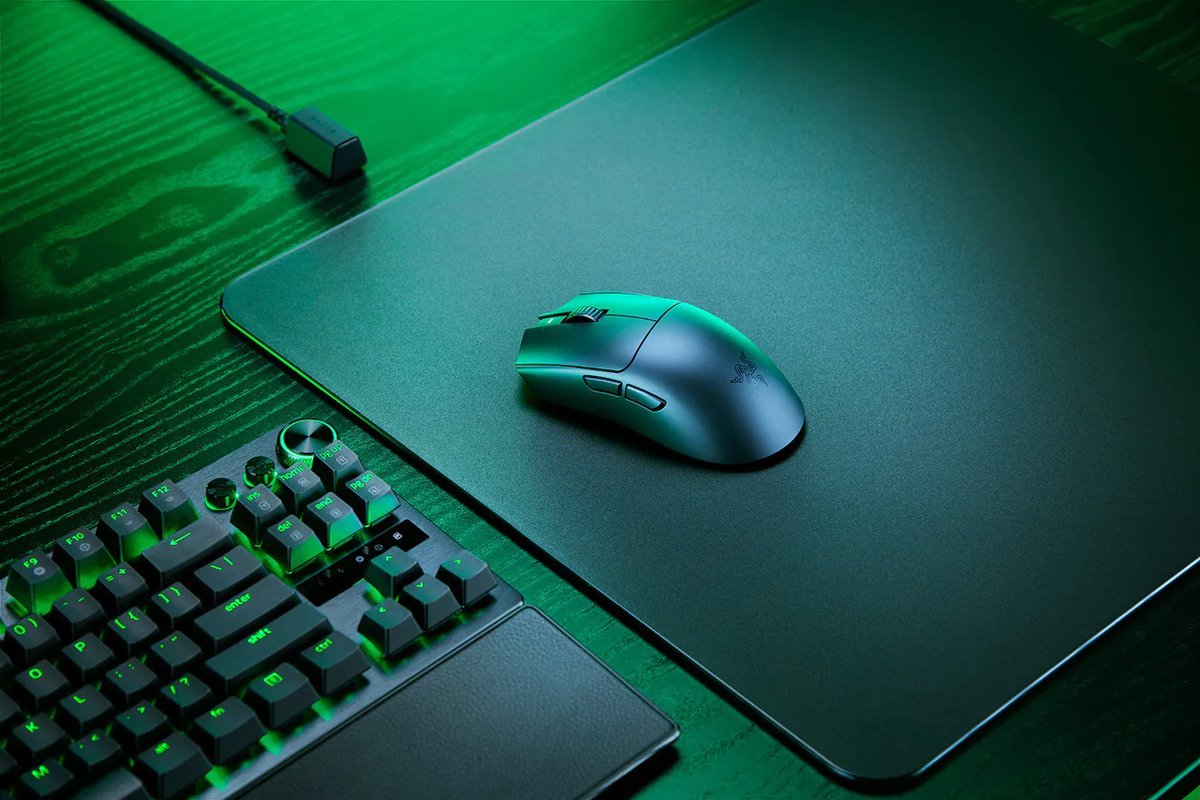
Razer Viper V3 Pro
If your games are measured in milliseconds, this is the current reference: 8,000 Hz HyperPolling dongle included, 54 grams (black), the Focus Pro 35K Gen-2 sensor, and Razer's #1-among-Fortnite-pros standing per ProSettings.net data.
- Lowest-latency wireless setup available: HyperPolling 8,000 Hz dongle included in the box
- One of the lightest full-performance wireless mice sold: 54 g in black
- Focus Pro 35K Gen-2 sensor with 1-DPI step adjustments and tracking on glass
- 100% PTFE feet and 90-million-click optical switches built for long competitive life
- Battery life collapses at 8,000 Hz polling: about 17 hours, against 95 hours at 1,000 Hz
- No RGB and a spartan button layout make it a poor productivity mouse
- Built for claw and fingertip grips; dedicated palm-grip players may want a taller ergonomic shell
- Weight: 54 g (black) / 55 g (white)
- Sensor: Focus Pro 35K Gen-2 (35,000 DPI, 750 IPS, 70 G)
- Switches: Optical Gen-3 (90M clicks)
- Polling: Up to 8,000 Hz (dongle in box)
- Battery: 95 h @1 kHz / ~62 h @2 kHz / ~40 h @4 kHz / ~17 h @8 kHz
- Buttons: 8 programmable
- Feet: 100% PTFE
Best for: Competitive FPS players (Valorant, CS2, Apex, Fortnite) who run claw or fingertip grip.
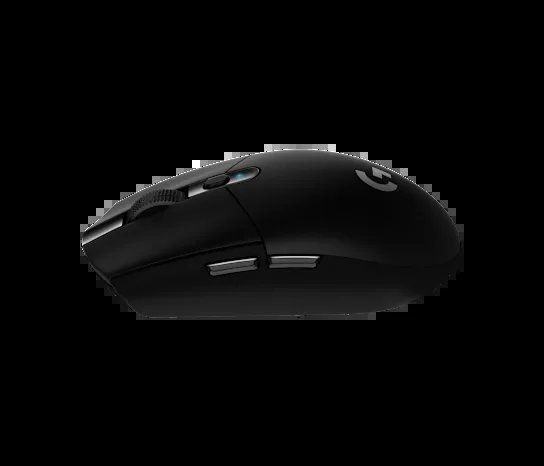
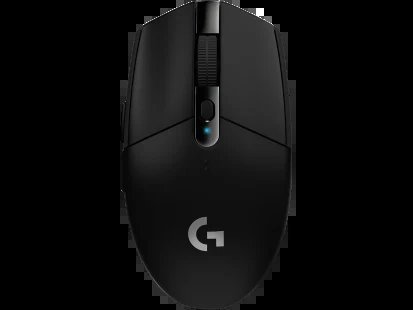
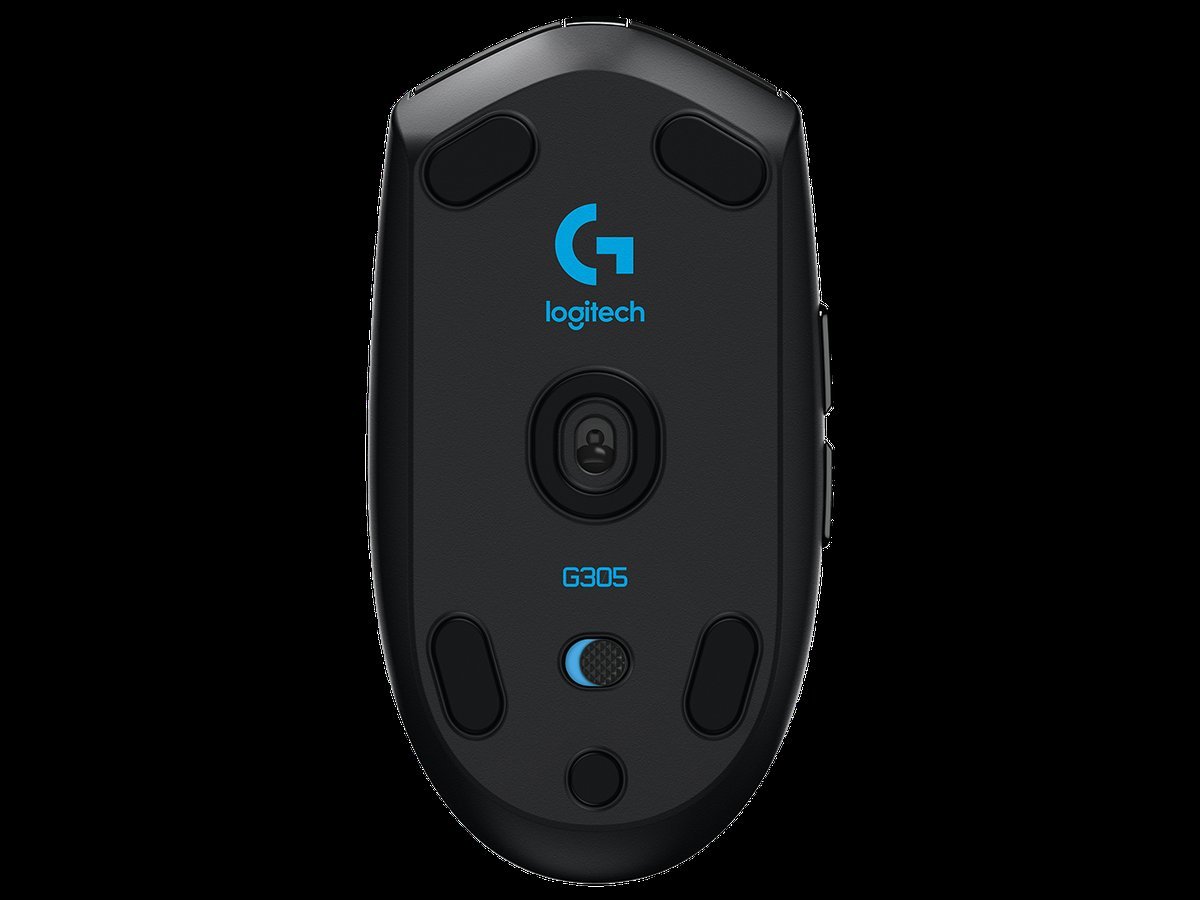
Logitech G305 LIGHTSPEED
The value legend of gaming mice: genuine LIGHTSPEED wireless, a real HERO gaming sensor, and a 250-hour battery from a single AA, with the fundamentals right at a fraction of flagship price.
- Genuine LIGHTSPEED wireless with a real HERO gaming sensor, not a budget compromise on tracking
- 250 hours of continuous gameplay from a single AA battery
- 6 programmable buttons with onboard memory, so bindings travel with the mouse
- The value pick of this guide: flagship fundamentals at a fraction of flagship price
- AA battery adds weight versus rechargeable flagships: 99 g with the battery fitted
- No USB-C recharging: you swap the AA instead of plugging in
- Compact shape suits small-to-medium hands best; large hands may find it cramped
- Weight: 99 g with AA
- Sensor: HERO up to 12,000 DPI
- Wireless: LIGHTSPEED (1 ms)
- Battery: Up to 250 h on one AA
- Buttons: 6 programmable
- Memory: Onboard
Best for: Budget buyers, first gaming mice, laptop gamers, battery-life prioritizers.
| Product | Key Specs | Best Use Case | Standout Feature | Amazon Link |
|---|---|---|---|---|
| Logitech G Pro X Superlight 2 Best Overall Gaming Mouse |
Logitech G Pro X Superlight 2: 60 g; HERO 2 sensor up to 44,000 DPI; 500+ IPS; LIGHTFORCE hybrid optical-mechanical switches; LIGHTSPEED + Bluetooth; 2,000 Hz (8 kHz via separate PRO LIGHTSPEED receiver); up to 95 h battery; USB-C; onboard memory; POWERPLAY compatible. | All-round competitive and everyday gaming; paired with POWERPLAY for cable-free charging. | The pros' default: esports-proven shape, sensor, and reliability. | Check Price |
| Razer Viper V3 Pro Best for Competitive FPS |
Razer Viper V3 Pro: 54 g black / 55 g white; Focus Pro 35K Optical Sensor Gen-2 (35,000 DPI, 750 IPS, 70 G); Optical Switches Gen-3 (90M clicks); 8,000 Hz wireless via included HyperPolling dongle; battery 95 h @1 kHz / ~62 h @2 kHz / ~40 h @4 kHz / ~17 h @8 kHz; 8 programmable; 100% PTFE; no RGB. | Millisecond-measured competitive play; run 1,000-2,000 Hz for battery, 8K when it counts. | #1 among Fortnite pros per ProSettings.net data. | Check Price |
| Logitech G305 LIGHTSPEED Best Budget Wireless Gaming Mouse |
Logitech G305 LIGHTSPEED: 99 g with AA battery; HERO sensor up to 12,000 DPI; LIGHTSPEED 1 ms report rate; up to 250 h on one AA; 6 programmable buttons; onboard memory. | First gaming mouse or budget competitive setup. | 250-hour battery: years of gaming between battery swaps. | Check Price |
Gaming mouse buying guide: fit first, specs second
Grip style decides the shape. Palm grip: your whole hand rests on the mouse, so you want a taller, longer, ergonomic shell. None of these three is a tall ergonomic shell, so palm players should start from the Superlight 2's safe ambidextrous shape and treat its limits honestly. Claw grip: palm arched, fingertips on the buttons, suits medium ambidextrous shapes (Viper V3 Pro, Superlight 2). Fingertip grip: only fingertips touch, suits small, light, low-profile mice (Viper V3 Pro). If you do not know your grip, the Superlight 2's safe ambidextrous shape is the default.
Hand size matters as much as grip. Large hands need longer mice; small hands suit compact bodies (G305, Viper). When in doubt, compare length, width and height against your current mouse.
Weight is a performance spec. For FPS, under about 65 g is the modern standard; the Viper V3 Pro (54 g) and Superlight 2 (60 g) define it. For general use, weight barely matters, and the G305's 99 g is a fair trade for its battery life.
Ignore the DPI number. Competitive players overwhelmingly use 400 to 1,600 DPI; every mouse here cleared that bar years ago. Sensor quality (clean tracking, no acceleration) matters; the headline DPI figure does not.
Polling rate has diminishing returns. 1,000 Hz is fine for nearly everyone. 8,000 Hz can help at high refresh rates but drains battery fast (the Viper V3 Pro drops from about 95 hours to about 17 hours at 8K) and taxes the CPU. Do not pay extra for 8K unless you are chasing the last fraction of a percent.
Switches and battery are daily-life specs. Optical switches (Razer Gen-3, Logitech LIGHTFORCE) avoid double-click issues and last longer. Battery: 95+ hours (Superlight 2, Viper at 1K) means charging monthly; the G305's 250 hours on one AA means nearly forgetting the battery exists.
Connectivity. Bluetooth is genuinely useful for laptop and multi-device users, and the Superlight 2 has it. The Viper and G305 run 2.4 GHz plus wired, which covers the gaming PC case fully.
Software ecosystems are part of the product. Remapping buttons, tuning DPI stages, updating firmware and managing settings all happen in the vendor's app: Logitech G Hub or Razer Synapse. These apps are generally mature and free, but they differ in polish and resource use, and some advanced features (per-model polling upgrades, lift-off tuning) require them. If you already own a keyboard or headset from one brand, staying in the same ecosystem keeps everything in one app, a small but real quality-of-life win. Onboard memory (present on the Superlight 2, Viper V3 Pro and G305) stores your core settings on the mouse itself, so your DPI and bindings travel with you to tournament PCs without the software.
Mouse types explained
Ultralight FPS mice (Viper V3 Pro, Superlight 2) strip everything, RGB, extra buttons, sometimes even the battery size, to hit 54 to 60 g. Built for competitive shooters.
Budget wireless (G305 LIGHTSPEED) keeps the gaming-grade sensor and reliable wireless but uses a simpler shell, AA power and lower polling to hit low prices.
Head-to-head comparisons
Wired vs. wireless in 2026. The latency gap is effectively closed. Modern 2.4 GHz wireless at 8,000 Hz reports position eight times more often than a standard 1,000 Hz wired connection, and independent coverage calls wireless matching wired performance at the click level. Choose wired for zero battery anxiety and lower cost; choose wireless for desk freedom. Either is competitively viable now.
High DPI vs. low DPI. Nobody competitive plays above about 1,600 DPI; most pros sit between 400 and 800. A higher-DPI sensor is not better than a 12,000-DPI one (G305) for aiming. What matters is tracking cleanliness at the DPI you actually use.
Light vs. heavier. Light mice (54 to 60 g) reward aim-intensive FPS play; the G305 at 99 g trades a little of that for battery life and price. Buy for the games you actually play most, not the ones you aspire to.
Mistakes to avoid
- Buying on DPI alone. The biggest number on the box is the least important spec. Fit, weight and sensor cleanliness decide performance.
- Ignoring your grip. A palm-gripper buying a fingertip mouse (or vice versa) will hate a technically excellent product. Match shape to grip first.
- Running 8,000 Hz blindly. It drains battery 4 to 5 times faster and loads the CPU; most players cannot feel the difference over 1,000 to 2,000 Hz.
- Paying the RGB tax unnecessarily. RGB adds weight, cost and battery drain. If you play competitive FPS, the Viper skips RGB deliberately.
- Forgetting Bluetooth. If you use a laptop, tablet or multiple machines, Bluetooth (Superlight 2) is a daily convenience 2.4 GHz alone cannot give you.
FAQs
Yes, in 2026. Modern 2.4 GHz wireless matches wired performance at the click level, and 8,000 Hz wireless polling (Viper V3 Pro) exceeds standard wired report rates. Choose based on convenience and budget, not performance anxiety.
Most competitive players use 400 to 1,600 DPI; 800 is the common default. Higher DPI does not mean better aim. Set the DPI where small hand movements give you precise control, and ignore the 35,000+ headline figures.
Polling rate is how often the mouse reports its position per second. 1,000 Hz (every 1 ms) is enough for nearly everyone; 8,000 Hz (every 0.125 ms) can help at very high refresh rates but drains battery much faster and increases CPU load.
None is objectively best, it is anatomy and habit. Palm suits larger, ergonomic mice; claw suits medium ambidextrous shapes (Viper V3 Pro, Superlight 2); fingertip suits small, light mice. Match the mouse to your natural grip, not the other way around.
Up to a point. The jump from a cheap office mouse to a G305 is enormous; the jump from a G305 to a flagship buys lighter weight, better switches and longer battery, real, but incremental. Pay for the tier where the gains match your games.
It varies hugely by model and polling rate: the Superlight 2 and Viper V3 Pro offer up to 95 hours, and the G305 up to 250 hours on a single AA. Running 8,000 Hz polling can cut those figures to a fraction, so check the per-model numbers in the reviews above.
The final verdict
Buy the Logitech G Pro X Superlight 2 if you want the safest choice in gaming mice: light, proven, long-lasting, and free of compromises you will regret. Buy the Razer Viper V3 Pro if competitive FPS is your life and you want the lowest-latency wireless setup with the dongle included. Buy the Logitech G305 if your wallet has the final vote. Every pick here earned its place on sourced specifications and independent review coverage. The rest is just finding the shape your hand already knows.
Final Recommendations
Best Overall Gaming Mouse: Logitech G Pro X Superlight 2, 60 g, HERO 2 sensor, 95 h battery, the mouse esports pros actually use.
Best for Competitive FPS: Razer Viper V3 Pro, 54 g with the 8K HyperPolling dongle in the box, the current competitive reference.
Best Budget Wireless Gaming Mouse: Logitech G305 LIGHTSPEED, LIGHTSPEED + HERO sensor + 250 h on one AA, the value legend.